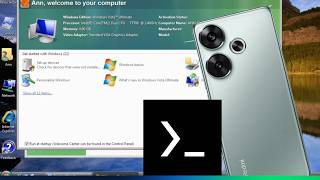
Emulate Windows Vista build 5384 on Android phones with Termux
12 GB
Learn more4 GB
Follow the instructions as shown in the video and below are the QEMU Params you need.
-usb -device usb-tablet -device usb-kbd -cpu qemu64,+avx,+avx2,+avx512-4fmaps,+avx512-4vnniw,+avx512-bf16,+avx512-vp2intersect,+avx512-vpopcntdq,+avx512bitalg,+avx512bw,+avx512cd,+avx512dq,+avx512er,+avx512f,+avx512ifma,+avx512pf,+avx512vbmi,+avx512vbmi2,+avx512vl,+avx512vnni,+sse,+sse2,+sse4.1,+sse4.2 -smp sockets=1,cores=4,threads=1 -m 1024M -overcommit mem-lock=off -drive file=/sdcard//VM/Limbo/Vista/Vista.qcow2,aio=threads,cache=unsafe -vga std -device ac97 -device e1000,netdev=n0 -netdev user,id=n0 -accel tcg,thread=multi,tb-size=2048
3 GB
Learn more