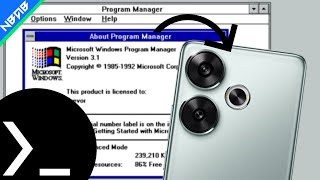
Emulate Windows 3.1 on Android phones with Termux
26 MB
Learn more3 GB
Your device needs at least 4GB of available storage before installation. We suggest your device should have performance equal to or better than the Snapdragon 8+ Gen 1 for optimal use of Google Antigravity. Follow the instructions as shown in the video and below are the commands you will need. Setup:
curl -H 'Cache-Control: no-cache' -o installantigravity.sh https://raw.githubusercontent.com/AnBui2004/termux/refs/heads/main/ide/antigravity/install1.sh && chmod +rwx installantigravity.sh && ./installantigravity.sh && rm installantigravity.sh && clear
Run:
./antigravity.sh