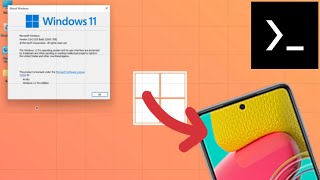
Emulate Windows XP on Android phone with Termux
For Termux
Learn moreFor Termux & 8GB
You need to extract the file to the Download folder on your phone to use it. And you need at least 14GB of free storage space. Administrator password: qwerty13579. qemu-system-x86_64 -cpu core2duo -smp sockets=1,cores=4,threads=1 -m 1024M -hda /sdcard/Download/ws2012r2.qcow2 -vga std -device intel-hda -device hda-duplex -device e1000,netdev=n0 -netdev user,id=n0 -accel tcg,thread=multi -vnc :2