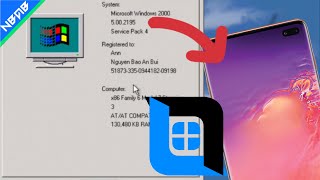
Emulate Windows 2000 with full driver on Android phones with Vectras VM
Lightweight and only 900MB
Learn moreFor Termux and 7GB
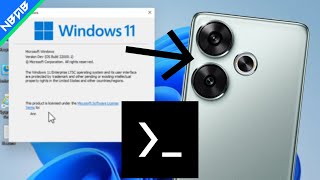
You need to download and install the Termux application. Download the file containing Windows and extract it to the Download folder. If you don't have Qemu installed, see installation instructions here: https://youtu.be/iHOCmwLDcdQ. Your phone needs at least 10GB of free storage and at least 1GB of memory available. Use the command below to run. After running the command, connect via VNC with the address: localhost:2. qemu-system-x86_64 -M q35 -cpu core2duo,+avx -smp sockets=1,cores=4,threads=1 -m 1024M -drive file=/sdcard/Download/a.qcow2,aio=threads,cache=unsafe,if=none,id=hda -device virtio-blk-pci,drive=hda -vga std -device intel-hda -device hda-duplex -device virtio-net-pci,netdev=n0 -netdev user,id=n0 -accel tcg,thread=multi,tb-size=2048 -device virtio-balloon-pci -device virtio-serial-pci -device virtio-rng-pci -device intel-iommu -bios /sdcard/Download/OVMF.fd -vnc :2 Windows 11 build 21996 is a build of Windows 11, which was leaked online on 15 June 2021. Prior to its upload, it was referenced in a GitHub issue posted by a Microsoft employee on 1 June 2021.
Lightweight and only 900MB
Learn more