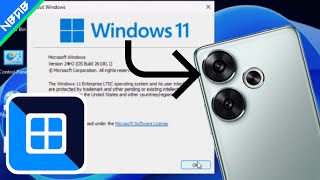
Emulate Windows 11 24H2 on Android phones with Vectras VM
6 GB
Learn more6 GB
Follow the instructions as shown in the video and below are the QEMU Params you need.
-M pc -usb -device usb-tablet -device usb-kbd -cpu qemu64,+avx,+avx2,+sse,+sse2,+sse4.1,+sse4.2 -smp 4 -m 2048M -drive file=/sdcard/VM/Limbo/7x86/7X86.qcow2,aio=threads,cache=unsafe,media=disk -device e1000e,netdev=n0 -netdev user,id=n0 -accel tcg,thread=multi,tb-size=2048 -device ich9-intel-hda -device hda-duplex